1
Prepare the conditioning inputs
Choose a clear face video with stable framing and a separate speech track. Trim both files to a manageable test segment, confirm they play correctly, and keep the face large enough for the model to read mouth movement.
2
Connect the processing path
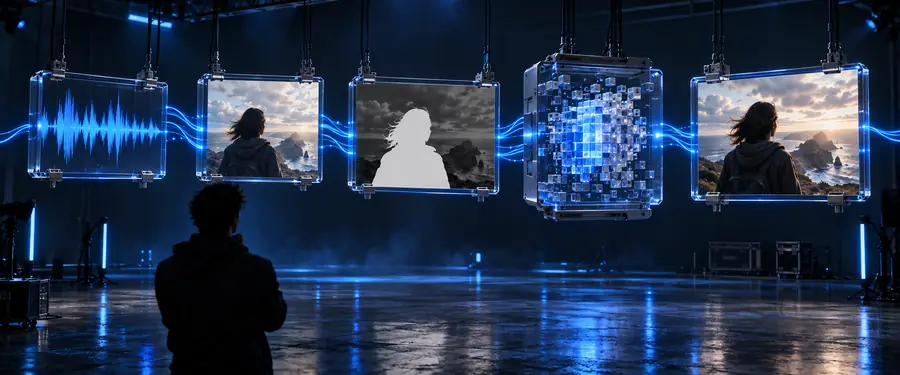
Load the required LatentSync model resources, place the video and audio into their input nodes, and connect them through the workflow's inference and decoding stages. Keep the first pass conservative so errors are easier to isolate.
3
Render, inspect, and export
Run a short sample before committing to a longer render. Watch the mouth, eyes, jawline, and frame boundaries, then adjust the relevant input or model settings and export only after the timing and visual quality look consistent.