Read the speech signal
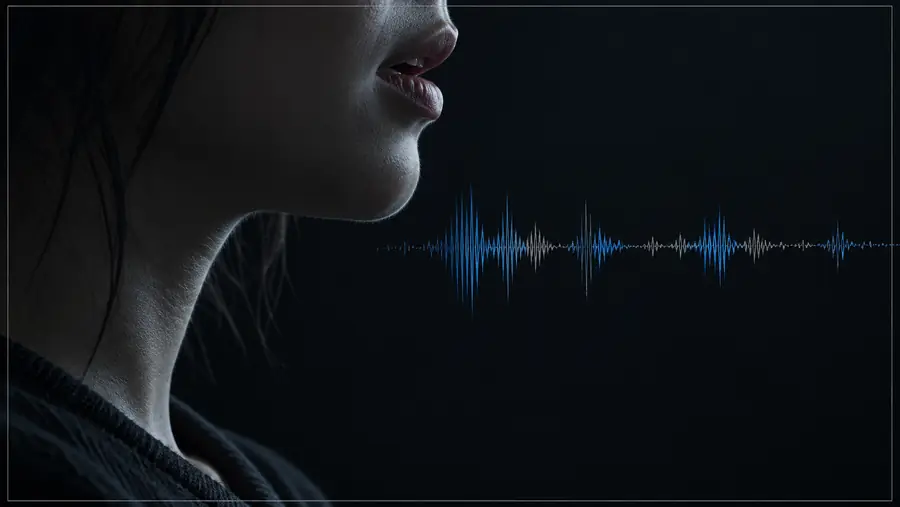
The model analyzes the supplied audio for phonetic timing, rhythm, and changes that should influence visible mouth movement.
Model explained
What is latentsync app? It is an audio-driven lip-sync model that adjusts a speaker’s mouth movements in video so they better match a supplied speech track. This guide explains the mechanism, workflow, and practical boundaries.
Core mechanism
LatentSync connects speech audio with visual mouth motion in a short video sequence. Its value comes from coordinating both signals rather than simply replacing a soundtrack.
The model analyzes the supplied audio for phonetic timing, rhythm, and changes that should influence visible mouth movement.
It uses the original frames and the speaker’s facial context to preserve identity, pose, lighting, and the surrounding scene as much as possible.
The output revises the mouth region across the sequence so the visible articulation follows the audio more closely than the source footage.
Visual result
The comparison is simple: the source video provides the person and scene, while the synchronized version changes facial motion to follow the new speech track.
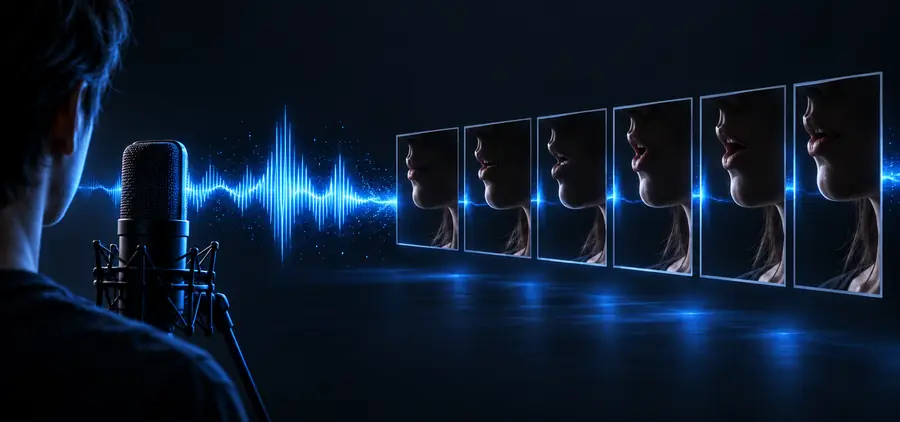
The model changes mouth motion, not the whole scene.
Practical boundaries
LatentSync is a focused lip-sync system, not a complete video production suite. Knowing what it cannot guarantee helps set up better source material and expectations.
The model needs source video with a visible speaker. It cannot invent a convincing person, camera angle, or performance from audio alone.
WorkaroundStart with a stable clip where the face is visible and large enough to analyze.
Synchronizing mouth motion does not automatically translate speech, produce a new voice, or rewrite the full soundtrack.
WorkaroundPrepare the target-language audio separately, then use it as the conditioning track.
Large head turns, occlusions, blur, extreme expressions, and poor lighting make facial alignment harder and can produce visible artifacts.
WorkaroundChoose frontal or gently moving footage with clear facial detail.
A mismatched audio track, clipped words, background noise, or an unsuitable speaking style can limit how natural the output appears.
WorkaroundUse clean speech and review a short test segment before processing a longer video.
At a glance
This side-by-side view separates what LatentSync receives from what it is designed to change.
Source video
Provides the speaker, scene, pose, and original facial appearance
Synchronized output
Retains the scene while revising visible mouth motion
Source video
May be paired with the original or a different speech track
Synchronized output
Mouth movement is conditioned on the selected speech audio
Source video
Defines the person and facial context
Synchronized output
Aims to preserve the source identity and surrounding facial cues
Source video
The original articulation may not match the audio
Synchronized output
The mouth region is adjusted across the video sequence
Source video
A visible, usable speaking face and a workable video clip
Synchronized output
The same source constraints still affect the final result
Source video
Reference footage for synchronization
Synchronized output
A video version with speech-aligned facial motion
Next step
If you understand the input pairing and the model’s limits, the next step is to test LatentSync on a short, clear speaking clip. Review the result closely before building a longer edit around it.
Common questions
LatentSync is used to synchronize visible mouth movement in a video with a supplied speech track. It is most relevant when the speaker and scene already exist but the facial timing needs to follow different audio.
The model reads timing information from the audio and combines it with the source video’s facial context. It then generates video frames intended to make the speaker’s mouth movements correspond more closely to the speech.
No. LatentSync is designed around a source video containing a visible speaker, along with audio to guide the lip movement. Audio by itself does not provide the person, scene, pose, or identity needed for this type of result.
LatentSync can help with the visual synchronization stage when a different speech track is available, but it does not by itself translate the script or create the replacement voice. Translation and voice preparation remain separate parts of the workflow.
Clear footage with a visible face, understandable speech, and limited blur or occlusion gives the model a stronger starting point. Rapid head movement, covered mouths, extreme angles, and noisy audio can make the result less consistent.