Describe the intended result
State whether you are testing dialogue, dubbing, a short social clip, or another lip-sync use case. Include the type of source media and the result you need to inspect.
Browser workflow
Latentsync online access can reduce the setup needed to test a lip-sync workflow. Use the guided handoff to describe your goal, then check the source video, audio, and resulting alignment before publishing.

Related guides
These nearby guides cover the model, its interfaces, and practical production routes so you can compare an online handoff with a more controlled workflow.
Start with a plain-language explanation of what the app and model are designed to do.
See how real-time expectations differ from an offline lip-sync render.
Review the adjacent model-hosting route before choosing an online surface.
Use a node-based workflow when repeatable controls matter more than convenience.
Reality check
An online route is useful for evaluation, but it does not remove the need for suitable media, careful review, or a clear production plan.
A face that is hidden, heavily blurred, badly cropped, or poorly lit may give the workflow too little visual information to align the mouth convincingly.
WorkaroundChoose a forward-facing clip with stable framing, visible facial features, and clean speech before testing.
Small mismatches can remain when the audio contains unusual pronunciation, singing, noise, pauses, or a cadence unlike the source performance.
WorkaroundTrim silence, use a clean voice track, and inspect difficult words rather than judging only the opening seconds.
A browser handoff may not provide the versioning, local file organization, repeatable settings, or audit trail needed for a larger project.
WorkaroundRecord the source files, prompt or instructions, model route, and review notes alongside each approved result.
Changing a person’s spoken performance can raise consent, likeness, copyright, or platform-policy concerns even when the technical output looks convincing.
WorkaroundObtain appropriate permissions and label synthetic or altered media when the context calls for disclosure.
Working sequence
The shortest useful path is a handoff followed by a media check and a human review. Treat each stage as a decision point, not as a promise of automatic quality.
State whether you are testing dialogue, dubbing, a short social clip, or another lip-sync use case. Include the type of source media and the result you need to inspect.
Use a compatible talking-head video and a matching audio track, then follow the destination workflow’s instructions for handing off the request.
Watch mouth shapes, timing at consonants, facial stability, and transitions. Keep the result only when it meets your creative, consent, and platform requirements.
Reference values
These reference values come from the documented model workflow and are useful when deciding whether an online route or a local setup fits your test.
Visual check
A convincing result is more than a mouth that moves. Compare the original performance with the synced output for timing, identity stability, and unwanted changes around the face.
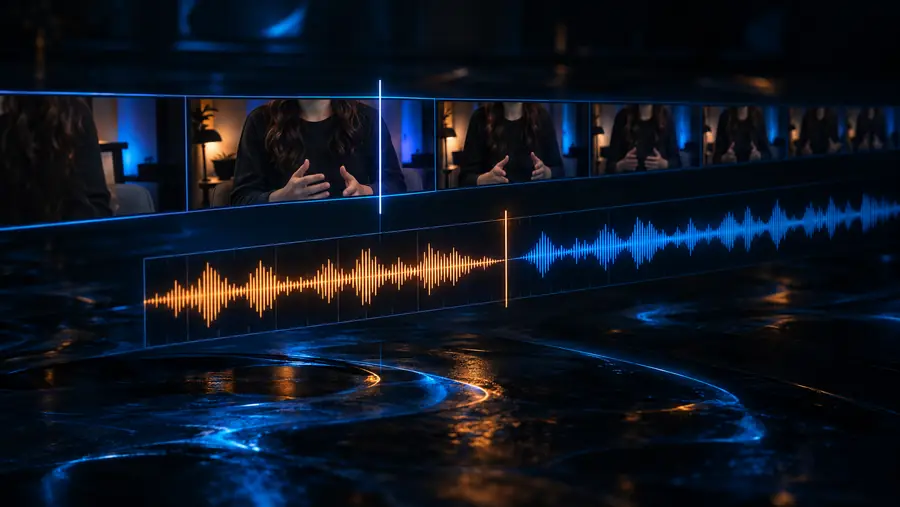
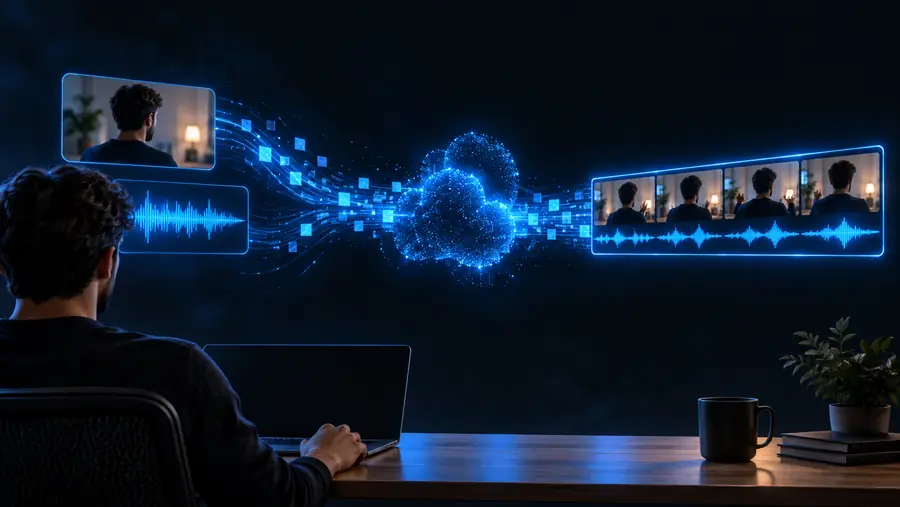
Compare timing, mouth shape, and facial stability rather than relying on a single still frame.
Practical uses
Different teams value different parts of the route. These examples show where an online test can help and when a deeper guide may be the better next step.
You need to check whether a replacement voice track fits an existing talking-head shot before rebuilding the edit.
A quick comparison reveals timing problems early and helps you decide whether the clip is worth refining.
LatentSync for YouTubeYou want to understand the model’s visible behavior without committing to a full local environment on the first pass.
A controlled sample gives you a concrete baseline for later experiments and notes.
the Hugging Face LatentSync routeYou are testing a short narrated clip and need to inspect whether the face remains stable through several spoken phrases.
The online workflow helps separate source-media problems from model-output problems.
LatentSync examples for YouTubeYou need repeatable nodes, settings, and checkpoints rather than a single guided handoff.
A structured graph makes it easier to document and rerun the process across multiple clips.
the LatentSync ComfyUI workflowSurface comparison
Neither route is universally better. The right choice depends on how much control, repeatability, and infrastructure your project requires.
Online handoff
Usually shorter because the environment is abstracted behind a guided destination.
Local repository workflow
Requires installing dependencies, obtaining model files, and preparing a compatible runtime.
Online handoff
Convenient for a focused sample when you want to judge output before building a pipeline.
Local repository workflow
Slower to begin, but the environment is yours to inspect and document.
Online handoff
Limited to the controls exposed by the online surface.
Local repository workflow
More suitable when you need direct access to scripts, settings, and processing stages.
Online handoff
Depends on what the destination records and exposes for later runs.
Local repository workflow
Stronger when you pin files, settings, checkpoints, and runtime details yourself.
Online handoff
Lower local hardware and installation burden, subject to the destination’s requirements.
Local repository workflow
Higher because you manage compute, storage, dependencies, and troubleshooting.
Online handoff
Requires checking where uploaded media is processed, stored, and deleted.
Local repository workflow
Lets you define a more direct local handling policy, though your own security work remains.
Online handoff
Early tests, quick comparisons, and users who value a simpler starting surface.
Local repository workflow
Batch work, experiments, and teams that need a documented production process.
Start with one short, well-framed clip and a clean audio track. Use the handoff to define what you want to test, then review the result for timing, facial stability, consent, and publishing requirements.
Search questions
These answers address the questions people commonly raise when looking for online access, Reddit discussions, and reviews.
The LatentSync project is associated with an open model and code workflow, but the project itself should not be treated as proof that every website offering online access is official. Check the destination, its documentation, data handling, and terms before uploading media.
Discussion tends to center on installation difficulty, GPU requirements, source-video quality, and whether the output is consistent enough for a particular use case. Treat individual posts as experience reports rather than guarantees, because results depend heavily on the clip and workflow.
Reviews can reveal recurring friction, output-quality issues, or unclear upload policies, but they are not a substitute for testing your own representative media. Compare recent reviews with the service’s current documentation and run a small, permissioned sample before planning a larger project.
It can be a practical alternative for evaluation or occasional use when the hosted route exposes the controls and output you need. Local installation remains more appropriate when you need repeatable settings, batch processing, deeper debugging, or direct control over files and runtime.
Confirm that you have permission to use the video and audio, then review the destination’s retention and processing terms. Use a short test clip first, avoid sensitive material unless the handling policy is suitable, and inspect the output before sharing it.